
NEWS
New: manage jobs from drawings and purchase orders in one place — Case Management is live
Add a document, and the job is created for you
We have added Case Management to MILLY. Upload a document, and everything from registering the job to tracking progress and due dates and issuing paperwork happens inside MILLY.
Why we built it
Two things came up again and again on our visits and calls.
"When someone asks what we are good at, I struggle to answer. Listing our past work is hard too.""There is no time to go out and sell. We want work to come in without selling."
What a factory is good at shows in the work it has already done — the drawings, part names, materials, processes, due dates and prices. But those records live on a whiteboard or in Excel, outside the daily workflow, so they never take a form anyone outside can see.
So instead of keeping daily management and sales apart, we made the place where you put your documents the place where your track record accumulates. There are no extra steps. Add the document, and the job is created.
What you can do now
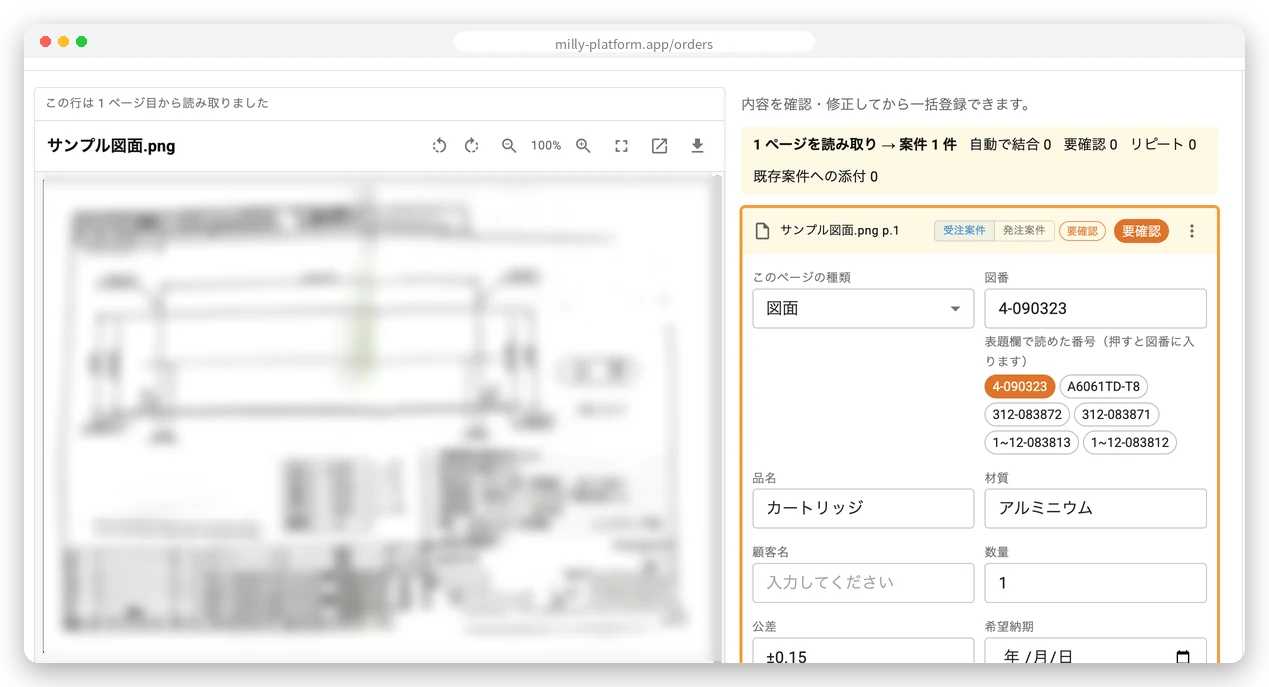
Add a document, and the job is created for you
Add a document and the record stays, so you stop pausing work to type things in. AI reads the part number, material, quantity, due date and tolerance.
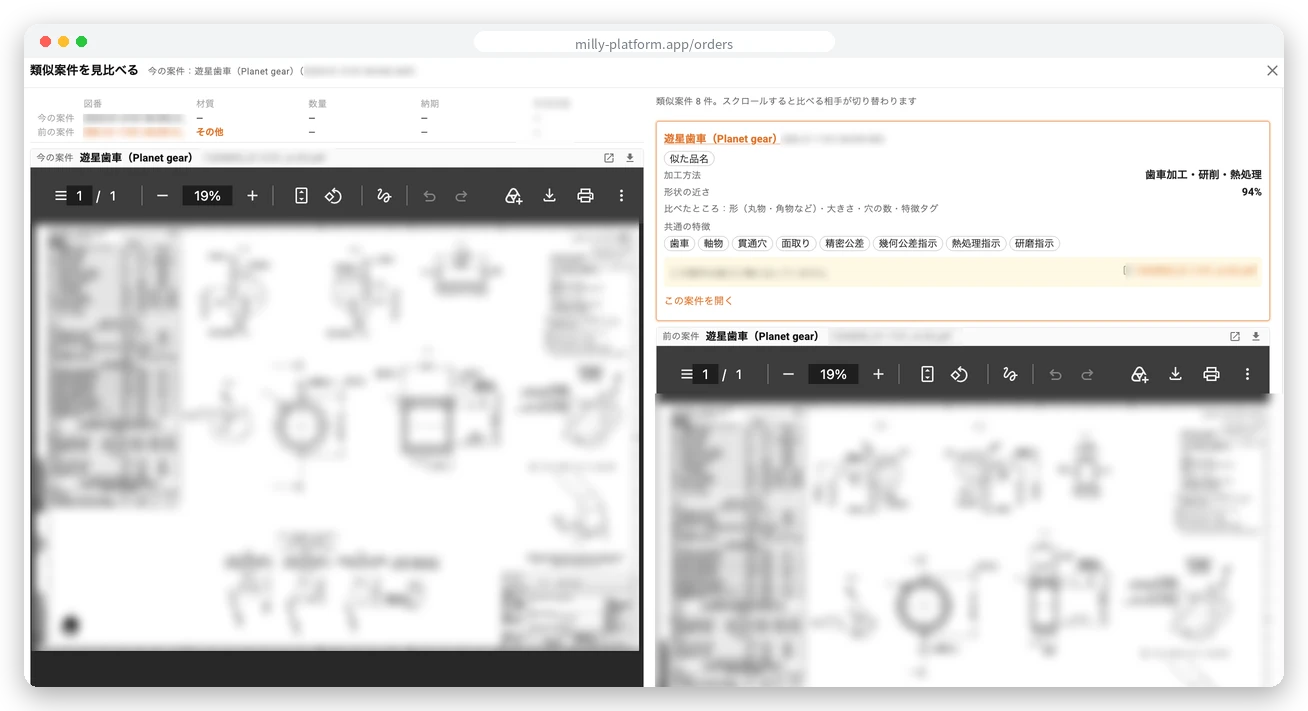
Past work tells you the price to quote
What you charged last time and where you sent it come from your own past jobs, so quotes rest on records instead of instinct.
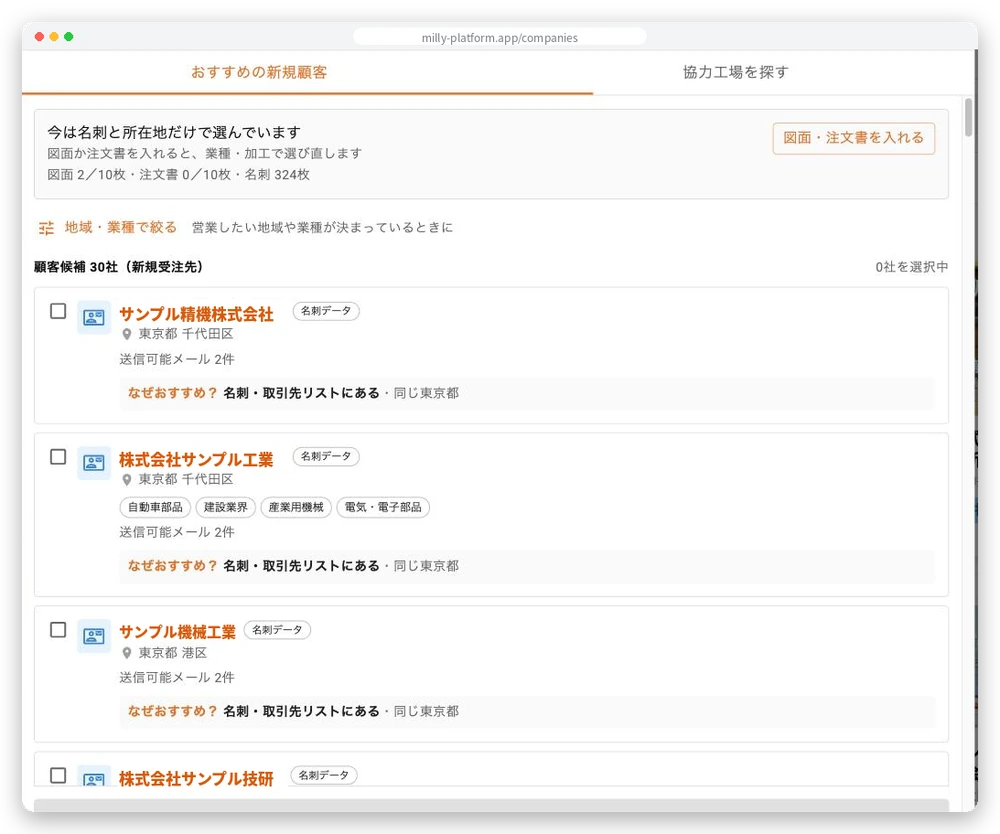
The record you build leads to the next job
From the documents you add, MILLY can suggest new customers and approach partner factories for you. Every candidate comes with the reason why.
Your company page works as your website
Turn it on, and people can find you on Google by process, material and location.
Case Management is now in the left menu. We hope you find it useful.